
Choosing the right Mac and PC for Graphic Design is a serious decision for designers. Your system shapes speed, comfort, creativity, and even income. Designers often feel divided between two strong options. Both platforms offer power and flexibility. Yet their experience feels very different.
This guide explains those differences clearly. It is written for beginners, professionals, and curious creatives alike. The goal is simple. Help you choose with confidence, not confusion.
Makdoctor has worked closely with creative professionals and understands how tools affect workflow. That insight shapes this guide.
Design Philosophy and User Experience
Mac computers focus heavily on visual consistency. Fonts look clean. Colors feel balanced. The interface stays calm. Many designers say macOS feels intuitive from day one. You spend less time adjusting settings. You spend more time creating.
Windows PCs focus on flexibility. You can customize almost everything. Menus, shortcuts, displays, and hardware choices feel endless. For designers who like control, this matters. The learning curve may feel longer. The payoff comes in personalization.
When comparing Mac and PC for Graphic Design, user experience becomes a personal choice. Some want elegance. Others want freedom.

Hardware Quality and Build
Mac systems are known for premium build quality. Aluminum bodies, high resolution displays, and solid trackpads stand out. Apple controls both hardware and software. That tight integration reduces crashes and improves stability.
PC hardware varies widely. You can buy budget systems or ultra powerful machines. Brands compete aggressively. This drives innovation and lowers prices. Designers can upgrade RAM, graphics cards, or storage easily.
This flexibility makes Mac and PC for Graphic Design feel like two different philosophies. One is polished and fixed. The other is modular and adaptable.
Performance and Speed
Performance matters when files grow large. Designers handle heavy Photoshop files, complex Illustrator vectors, and layered video timelines. Mac systems often feel smooth because software is optimized for specific hardware.
Windows PCs can outperform Macs in raw power. High end processors and dedicated GPUs give PCs an edge in 3D rendering and motion graphics. Speed depends on configuration. A well built PC can be incredibly fast.
In real projects, both platforms handle professional workloads well. The difference lies in how much control you want over performance tuning.
Software Compatibility
Creative software availability is often similar. Adobe tools work smoothly on both systems. CorelDRAW favors Windows slightly. Some niche design tools remain Mac exclusive.
macOS also supports strong color management. This matters for print designers and photographers. Windows has improved greatly, but still requires more manual calibration.
When discussing Mac and PC for Graphic Design, software preference can decide everything. If your favorite tool runs best on one platform, the choice becomes easy.
Cost and Value
Price influences many decisions. Macs come with higher upfront costs. You pay for design, build quality, and long term stability. Resale value stays strong, even after years.
PCs and Mac for graphic design offer wider pricing options. You can start cheap and upgrade slowly. This suits freelancers and students. Performance per dollar often favors PCs.
Makdoctor often advises clients to balance budget with long term needs. Saving money today should not limit creativity tomorrow.
Workflow and Multitasking
macOS excels at smooth multitasking. Gestures, virtual desktops, and file previews feel fluid. Many designers enjoy the calm workflow it provides.
Windows shines in multi monitor setups and hardware integration. Custom keyboards, drawing tablets, and specialized devices connect easily. Power users appreciate this flexibility.
in the debate of Mac and PC for Graphic Design, workflow comfort often outweighs technical specs.
Security and Stability
Mac systems face fewer viruses. The closed ecosystem helps. Updates are controlled and predictable. This reduces downtime.
Windows systems require stronger antivirus habits. However, modern Windows security has improved significantly. Stability now depends more on hardware quality than the operating system.
Designers who value peace of mind often lean toward Mac. Those who enjoy managing systems prefer Windows.
Longevity and Updates
Macs receive long software support. Even older models run new operating systems. Performance remains steady over time.
PCs allow hardware upgrades. You can replace parts instead of the whole machine. This extends lifespan economically.
This difference plays a key role when comparing Mac and PC for Graphic Design over many years.
Learning Curve and Community
Mac attracts many designers, especially in branding, UI, and photography. Tutorials often use macOS. Community support feels strong.
Windows dominates in technical design, gaming visuals, and 3D modeling. Forums and customization guides are extensive.
Both communities are active and helpful. Your learning style may guide your choice.
Final Thoughts
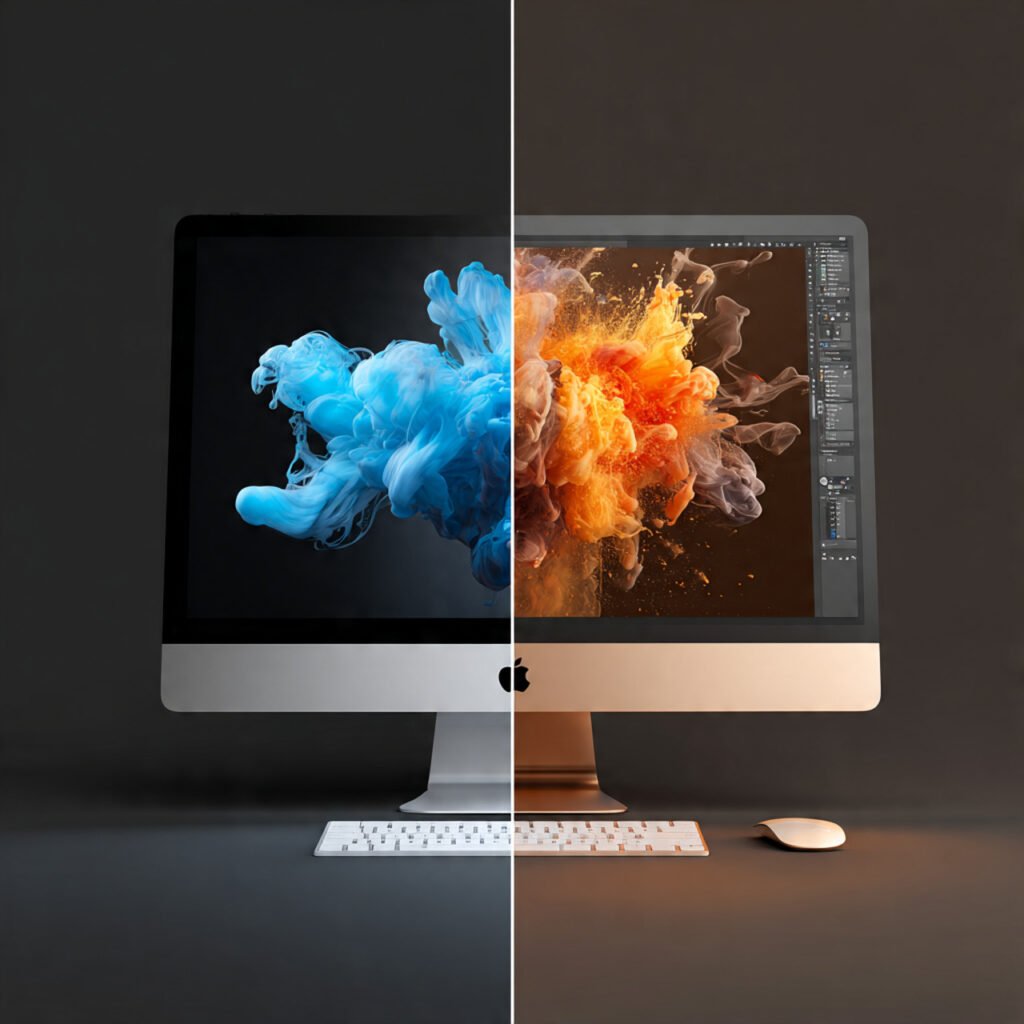
There is no universal winner. The right system depends on how you think, work, and create. Macs offer elegance, stability, and simplicity. PCs offer power, flexibility, and value.
When choosing between Mac and PC for Graphic Design, listen to your workflow needs first. Tools should serve creativity, not limit it.
Makdoctor believes great design comes from comfort and confidence. Choose the platform that lets your ideas flow naturally.