
The logic board is one of the most critical components inside a MacBook Air. It connects to and controls essential components, including the processor, memory, storage, power circuits, and display signals. When the logic board starts to fail, the issues are rarely small or isolated. In most cases, problems appear suddenly and affect the entire system.
Knowing the early and later signs of a MacBook Air logic board failure can help you act quickly. This way, you can prevent further damage or data loss. This guide explains the most common warning signs, why they happen, and when professional diagnostics are necessary
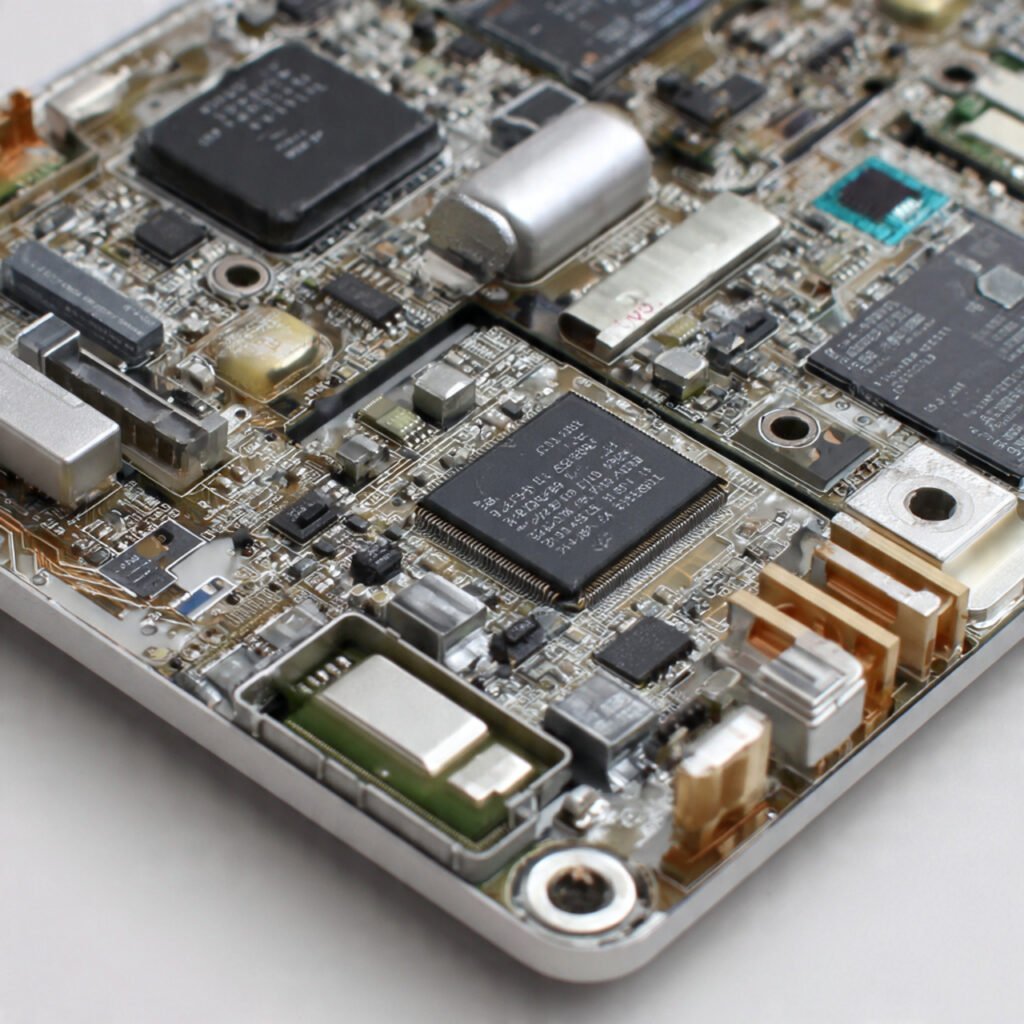
What Is the Logic Board in a MacBook Air?
The logic board, often called the motherboard, is the main circuit board that allows all hardware components to communicate. Unlike parts such as batteries or screens, the logic board cannot be replaced easily or casually. It requires specialized tools, precise diagnostics, and deep technical experience.
Even small issues in the logic board can lead to significant performance and stability problems. This is because many functions depend on it.
Early Symptoms of Logic Board Failure
Logic board failure does not always happen instantly. In many cases, the MacBook Air shows early warning signs that users often mistake for software bugs or minor hardware issues.
Random Shutdowns or Restarts
One of the most common early symptoms is unexpected shutdowns. Your MacBook Air may shut down even when the battery is fully charged, or restart without warning. This often points to unstable power regulation on the logic board rather than a battery issue.
MacBook Air Not Powering On Consistently
If your MacBook Air takes several attempts to power on, or sometimes doesn't power on at all, there may be an issue. The problem could be with the power management circuits on the logic board. This is different from a dead battery, especially if the charging indicators appear normal.
Overheating Without Heavy Usage
Excessive heat during light tasks such as browsing or document editing can indicate stress on the logic board. Faulty voltage regulation or failing components may cause the system to operate harder than necessary, resulting in abnormal heat.
Sudden Performance Drops
If your MacBook Air is slow, freezes frequently, or shows a spinning beachball, the logic board may be malfunctioning. This can happen when communication between the processor, memory, or storage is disrupted.
Advanced Logic Board Failure Symptoms
As the problem worsens, symptoms become more obvious and more disruptive.
No Display or Distorted Screen Output
A black screen, flickering display, horizontal lines, or distorted colors can be caused by logic board signal failures rather than a damaged screen. If an external display shows the same issue, the problem is often board-related.
Charging Issues Even with a Known Good Charger
When the MacBook Air does not charge, charges intermittently, or stops charging at a certain percentage, the issue may be within the charging circuit on the logic board. This is especially common after liquid exposure or power surges.
USB, Keyboard, or Trackpad Not Responding
If multiple input devices stop working simultaneously, the issue is rarely the devices themselves. Logic board pathways control these components, and failure in these circuits can cause widespread non-responsiveness.
macOS Fails to Boot or Shows Repeated Errors
Frequent kernel panics, startup loops, or the inability to reinstall macOS can indicate logic board instability. These errors often persist even after software resets or clean installations
Common Causes of Logic Board Failure in MacBook Air
Understanding why logic boards fail helps prevent future damage.
Liquid Exposure
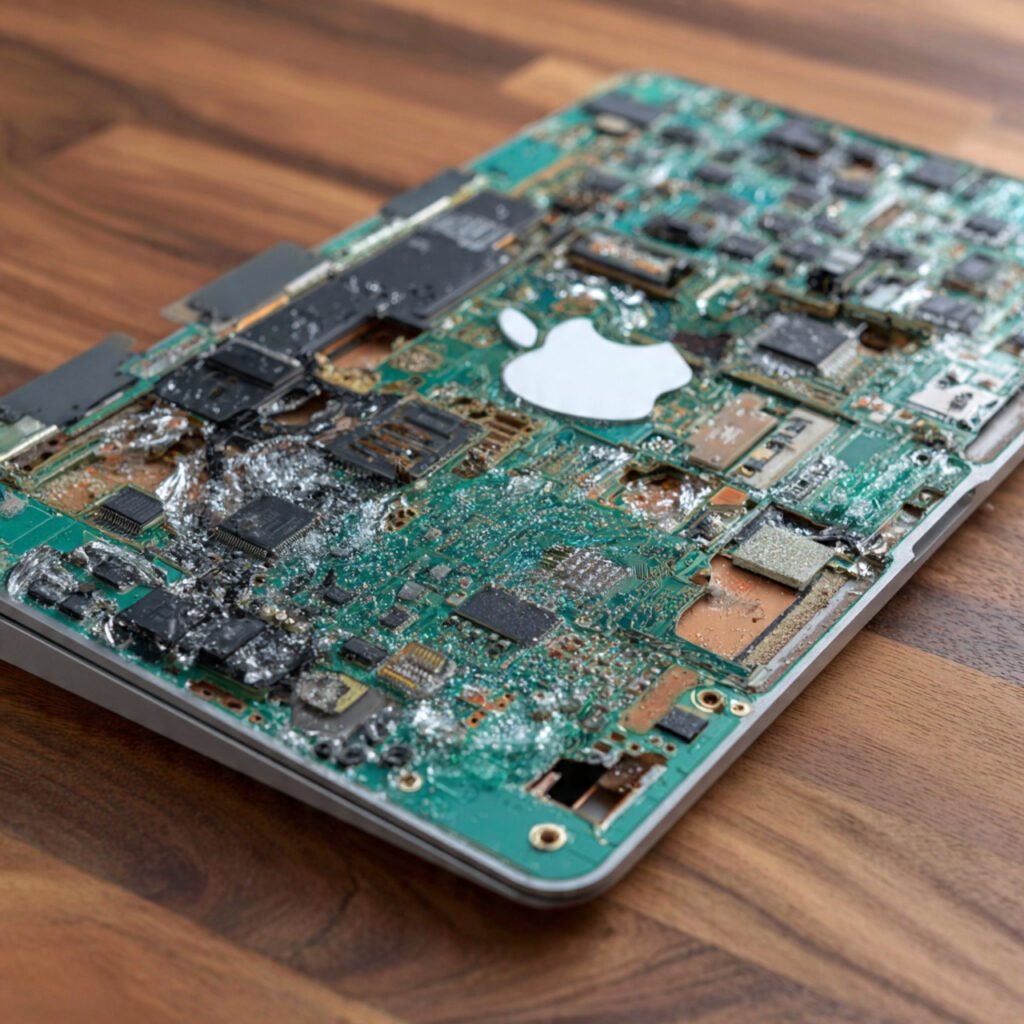
Even small amounts of moisture can corrode logic board components. The damage may not appear immediately and can worsen over time.
Overheating and Poor Ventilation
Long-term heat exposure can weaken solder joints and micro-components on the board, especially in slim MacBook Air designs.
Power Surges or Faulty Chargers
Sudden voltage spikes can damage power circuits on the logic board. This damage is often internal and not visible from the outside.
Physical Shock or Drops
A hard impact can crack solder joints or damage internal connectors, leading to delayed or intermittent failures.
Why Logic Board Issues Are Often Misdiagnosed
Many logic board symptoms overlap with battery, screen, or software issues. Replacing parts without proper diagnostics can lead to unnecessary costs and unresolved problems
When to Seek Professional Diagnostics
- You should seek expert inspection if:
- Multiple issues appear at once
- Problems persist after software troubleshooting
- The device has a history of liquid exposure
Charging and power issues continue despite using proper accessories
Advanced diagnostics involve board-level testing and inspection that cannot be performed solely through software.
Can a MacBook Air Logic Board Be Repaired?
In some cases, logic board repair is possible depending on the extent and location of the damage. Skilled technicians can sometimes repair damaged circuits, replace faulty components, or restore power pathways.
In other cases, replacement may be recommended if the damage is extensive. A proper diagnosis helps determine the most practical and cost-effective option.
Protecting Your Data During Logic Board Issues
When logic board issues arise, data protection becomes critical. Avoid repeated forced restarts, overheating, or the use of unstable power sources. Professional repair services follow controlled testing procedures to minimize risk to stored data during diagnostics and repair.
Backing up data as soon as possible is always recommended if the device is still accessible.
Logic Board Repair vs Replacement: Which Is Right for Your MacBook Air?
When logic board problems appear, the biggest question users face is whether repair or replacement makes more sense. The answer depends on the type and extent of the damage
When Replacement Is the Better Option
Replacement is often recommended when:
- The board has extensive corrosion from liquid exposure
- Multiple circuits are damaged
- The device does not power on at all
- Previous repair attempts failed
- In such cases, replacement provides long-term stability and reduces the risk of recurring failures.
Why Proper Diagnostics Matter
Choosing repair or replacement without diagnostics can lead to unnecessary cost. A professional inspection determines whether the board can be safely repaired or if replacement is a more reliable solution.
MacBook Air Logic Board Repair Services in Riyadh
MacBook Air users in Riyadh often rely on their devices for business, remote work, education, and daily communication. When logic board issues arise, fast, accurate diagnostics are essential.
MakDoctor supports customers across Riyadh with professional MacBook diagnostics and repair services through secure pickup and delivery.
Each device is checked carefully. This helps identify the root cause of issues such as power failures, charging problems, or display instability.
Riyadh’s climate, frequent device usage, and long operating hours can increase stress on internal components. This makes early detection of logic board symptoms even more important. Seeking professional help early can prevent further damage and reduce downtime.
What are the symptoms of MacBook Air logic board failure?
Symptoms of a MacBook Air logic board failure include random shutdowns and problems powering on. You may also notice charging issues, a black or flickering display, and overheating. Additionally, multiple components, such as the keyboard or trackpad, may fail simultaneously.
Can logic board issues look like software problems?
Yes. Logic board issues often mimic software problems, but they persist even after system resets or macOS reinstallation.
What should I do if my MacBook Air logic board is failing?
Stop using unstable power sources, back up your data if possible, and seek professional diagnostics to prevent further damage.
Final Thoughts
A MacBook Air logic board failure is serious, but early recognition can prevent further damage and data loss. Symptoms often begin subtly, then escalate quickly if ignored. Understanding these signs allows you to make informed decisions and seek professional help at the right time.