
Upgrading an iMac can feel overwhelming when you are unsure which improvements offer real value. Many users want a smoother workflow for creative tasks, faster loading during games, and an overall experience that feels modern again. The good news is that you do not always need a new machine to get that level of power. A few focused enhancements can create a remarkable difference, and this guide breaks down the iMac performance upgrades that truly elevate everyday use.
Modern work environments demand speed and reliability. Gamers, editors, and professionals often push their systems to the limit. When an older iMac begins to lag, it does not mean the hardware is outdated. Sometimes the core components still offer potential. What it really needs is a thoughtful refresh. Brands such as Makdoctor specialize in these improvements and have shown how targeted upgrades breathe new life into systems.
This article explores the most meaningful ways to boost speed, responsiveness, and overall productivity. By the end, you will clearly understand how to transform your iMac without overspending. Why Upgrades Make a Bigger Difference Than Replacements
Many people assume that buying a new machine is the only way to enjoy the latest performance standards. Yet the reality is different. A carefully refreshed iMac can match or even outperform mid-tier modern systems in daily tasks. The key lies in selecting upgrades that affect the most important bottlenecks. That is why iMac performance upgrades done with clarity and intention feel more powerful than expected.
When an iMac slows down, the issues usually relate to storage limitations, insufficient memory, or aging components that hinder modern multitasking. Addressing these specific areas offers noticeable improvement. Rather than discarding a device that still has a strong internal architecture, enhancing those areas creates renewed efficiency.
Before you consider replacing your computer, think about what is slowing it down. Chances are, the solutions described here will solve them more easily than you expect.

Transform Speed with an SSD
For many users, switching from a traditional hard drive to a solid-state drive is the single most dramatic improvement available. Among all iMac performance upgrades, this is often the first recommendation because it directly affects how your system handles data.
The SSD and RAM upgrade benefits become especially clear in daily use. An SSD loads applications rapidly, cuts down boot time, and creates a smoother, more responsive environment. Files open without delay, heavy creative apps handle assets efficiently and the entire machine feels newer. Because SSDs have no moving parts, they enhance durability as well.
When people describe their iMac as slow or unresponsive, the storage drive is usually the main culprit. Replacing it with an SSD provides immense relief. The reason is simple. Hard drives rely on mechanical rotation, while SSDs use instant flash storage. Everything you do becomes faster, from saving documents to running games. Once you experience the shift, it becomes clear why this change matters so much.
Boost Multitasking Power with More RAM
Memory is another essential part of strong computing performance. If you open several apps at once, browse with many tabs, or work with large files, memory shortage becomes a common challenge. That is why upgrading RAM is considered one of the most reliable iMac performance upgrades.
The SSD and RAM upgrade benefits work together, creating a noticeable transformation when both are enhanced. More RAM gives your system space to run multiple processes smoothly. Creative software, large spreadsheets, editing tools, and even casual browsing can feel constrained without enough memory.
Once upgraded, switching between applications feels fluid. Games load assets more quickly. Professional tools handle bigger workloads. The system simply has more breathing room. Though RAM does not offer the instant, dramatic speed of an SSD, it creates stability and flow that users appreciate every day.
Make Your iMac Gaming Ready
A common belief is that iMacs are not built for gaming. Yet with the right iMac performance upgrades, this changes significantly. While internal graphics options vary by model, optimizing storage and memory still delivers a great improvement for many titles.
Fast storage means reduced loading time. Additional memory allows smoother gameplay, especially for open-world environments or games requiring consistent system resources. Pair these enhancements with optimized software settings, and you get an iMac capable of enjoyable gaming sessions.
Gamers often underestimate how much smoother a system feels after upgrading the foundational components. Even without modifying the graphics hardware, the machine becomes more capable and responsive.
Brands like Makdoctor often assist users in pairing these upgrades with system refinements, ensuring the machine runs at its full potential.
Improve Workflow for Creative and Professional Tasks
People who edit video, compose music, design graphics, or manage large documents rely on efficiency. With these workloads, delays break concentration. That is why targeted iMac performance upgrades bring greater value to professionals who use resource-heavy software.
Large creative projects demand fast access to data and a stable workspace. This makes an SSD essential, since it reduces time spent waiting for files to open or render. Extra RAM supports smoother multitasking, letting you keep reference files and editing tools open simultaneously.
Writers, analysts, and remote workers also notice benefits. Sending files, collaborating online, and managing content become more dependable. The machine feels refreshed and reliable, even when juggling multiple tasks.
Extend the Life of Your Machine
One powerful advantage of upgrading over replacing is environmental and financial efficiency. Many iMacs possess strong hardware foundations that remain capable for years. Rather than sending a device to waste, simple component updates extend its life dramatically.
When done correctly, iMac performance upgrades refresh the machine to a standard that feels modern, smooth, and dependable. This approach also helps users avoid the cost of a full replacement, while maintaining the comfort of a device they already know well.
Upgraded systems often last several additional years and continue delivering excellent performance during that time. Users appreciate the renewed stability and the convenience of keeping a familiar setup running at peak ability.
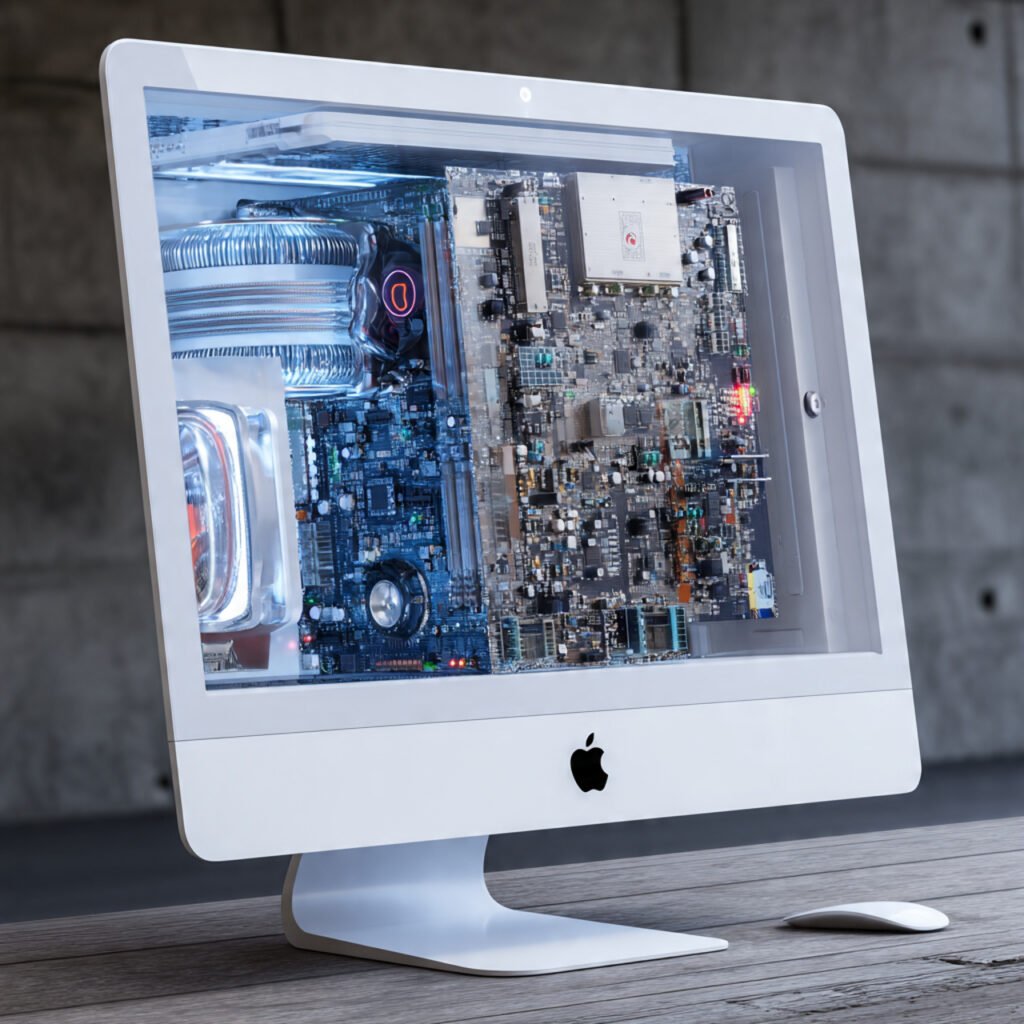
Final Thoughts:
Not all improvements offer the same value. Storage and memory enhancements consistently prove to be the most effective ways to revive an iMac. These upgrades deliver immediate, noticeable changes that influence almost every task.
Whether you use your machine for work, entertainment, or creative projects, focusing on the essential components ensures a better experience. A well-tuned system responds faster, handles workloads more efficiently, and feels enjoyable to use.
Smart investment in the right areas keeps older iMacs competitive and practical for longer. With thoughtful adjustments, your device can feel new again without the cost of replacing it. Among all available options, the iMac performance upgrades described above are the ones that truly elevate your daily use.